Free Machine
MIDI Portal
Free MIDI Monitoring Machine
Publisher
Execute Entropy LLC
Display
CPU / JUCE monitoring display
MIDI behavior
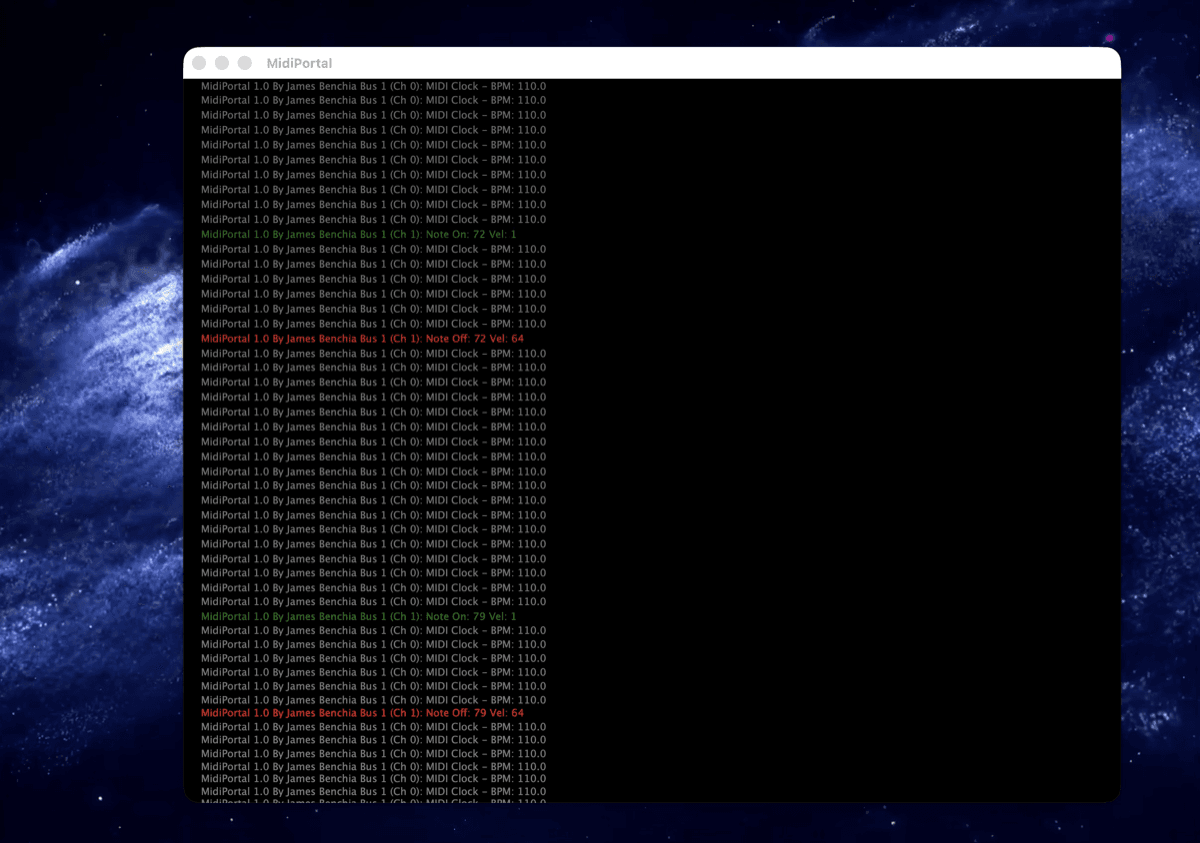
Observe, diagnose, filter, and visualize MIDI traffic (Cascade & Log).
Availability
Included with iLumidi — no purchase required
Gallery
Overview
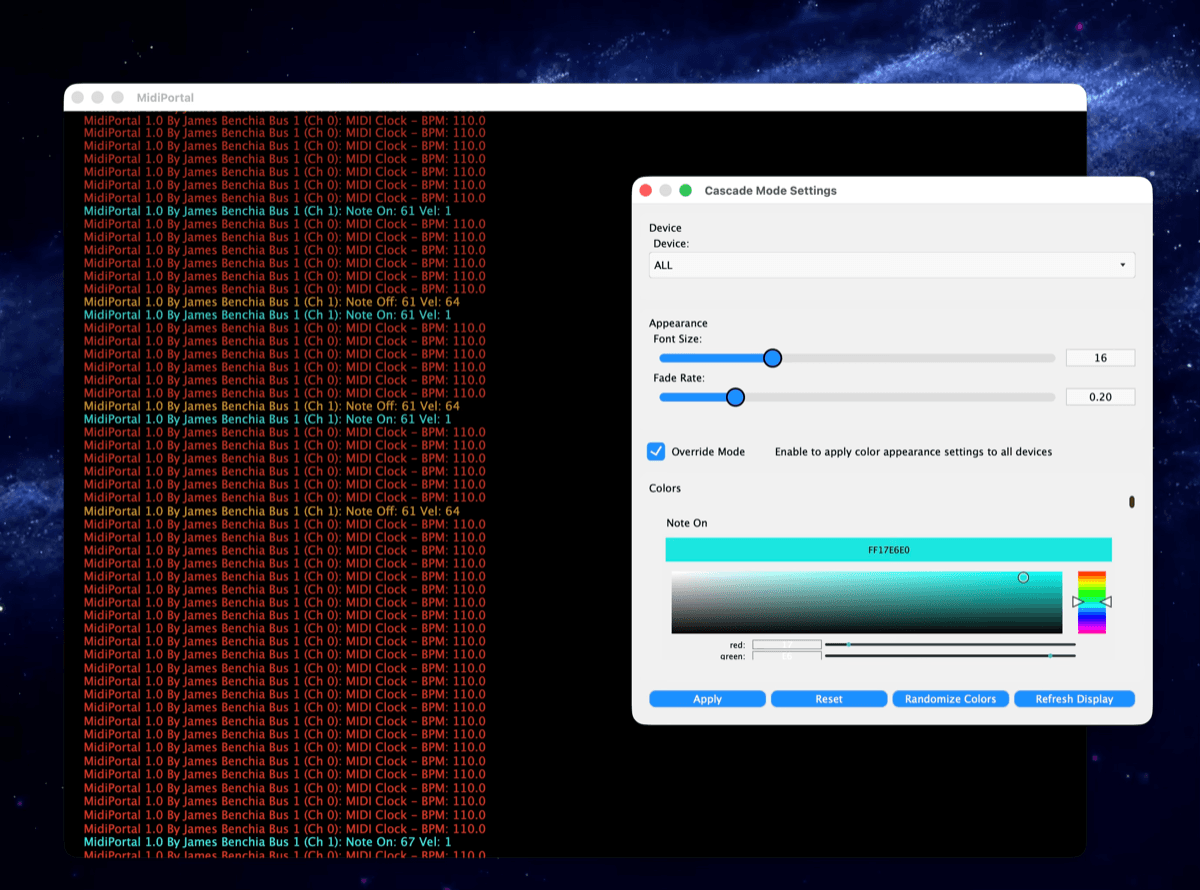
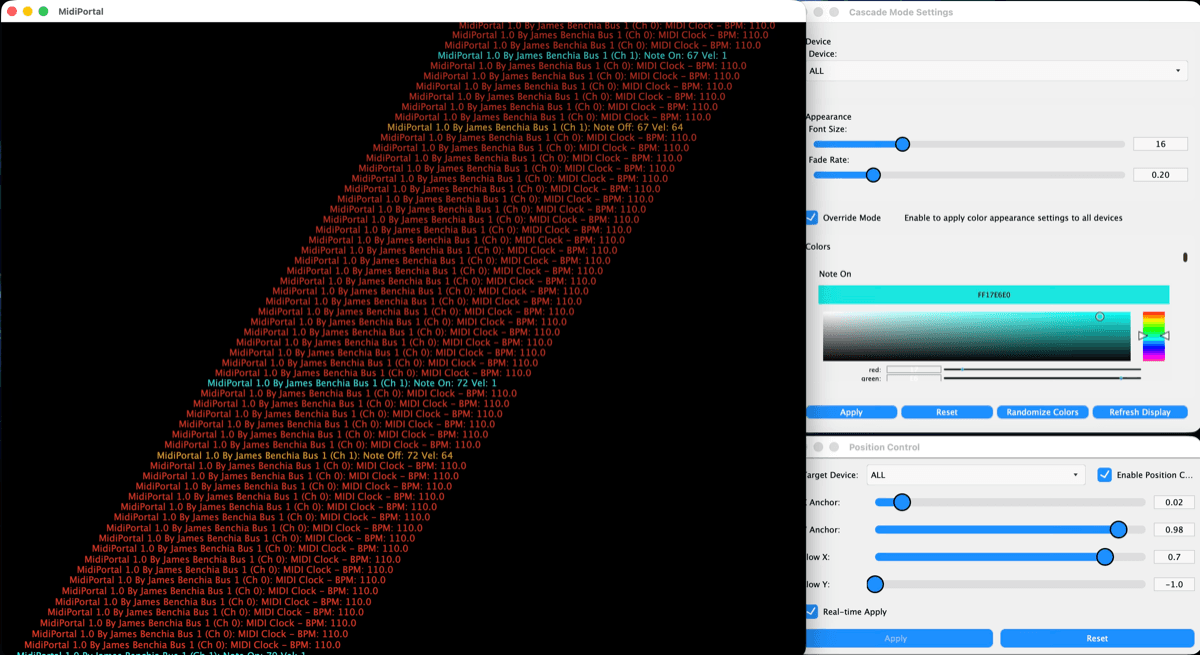
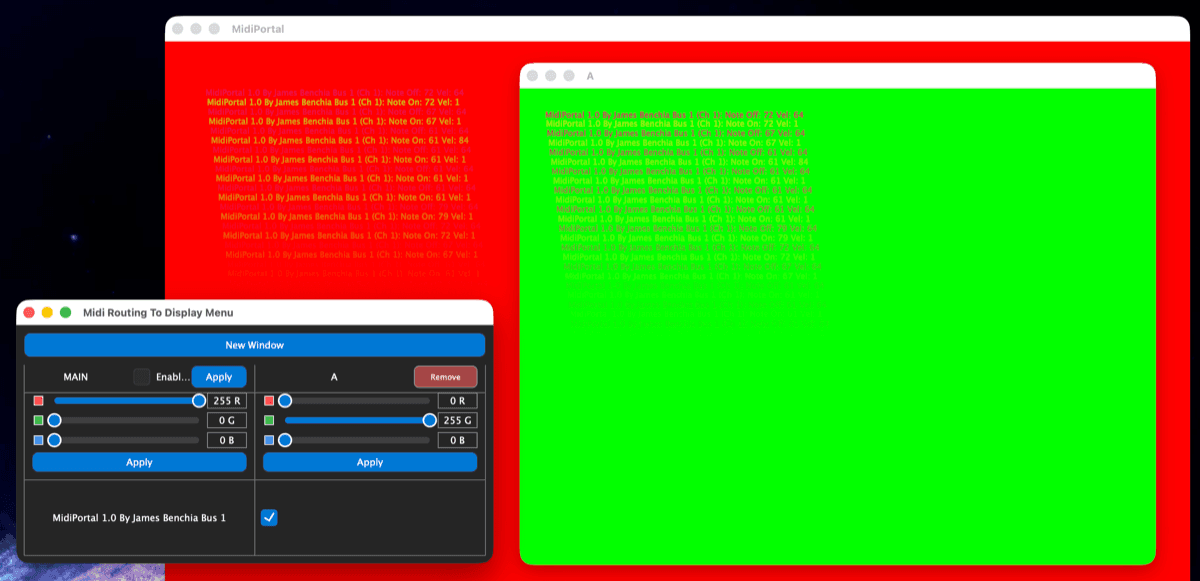
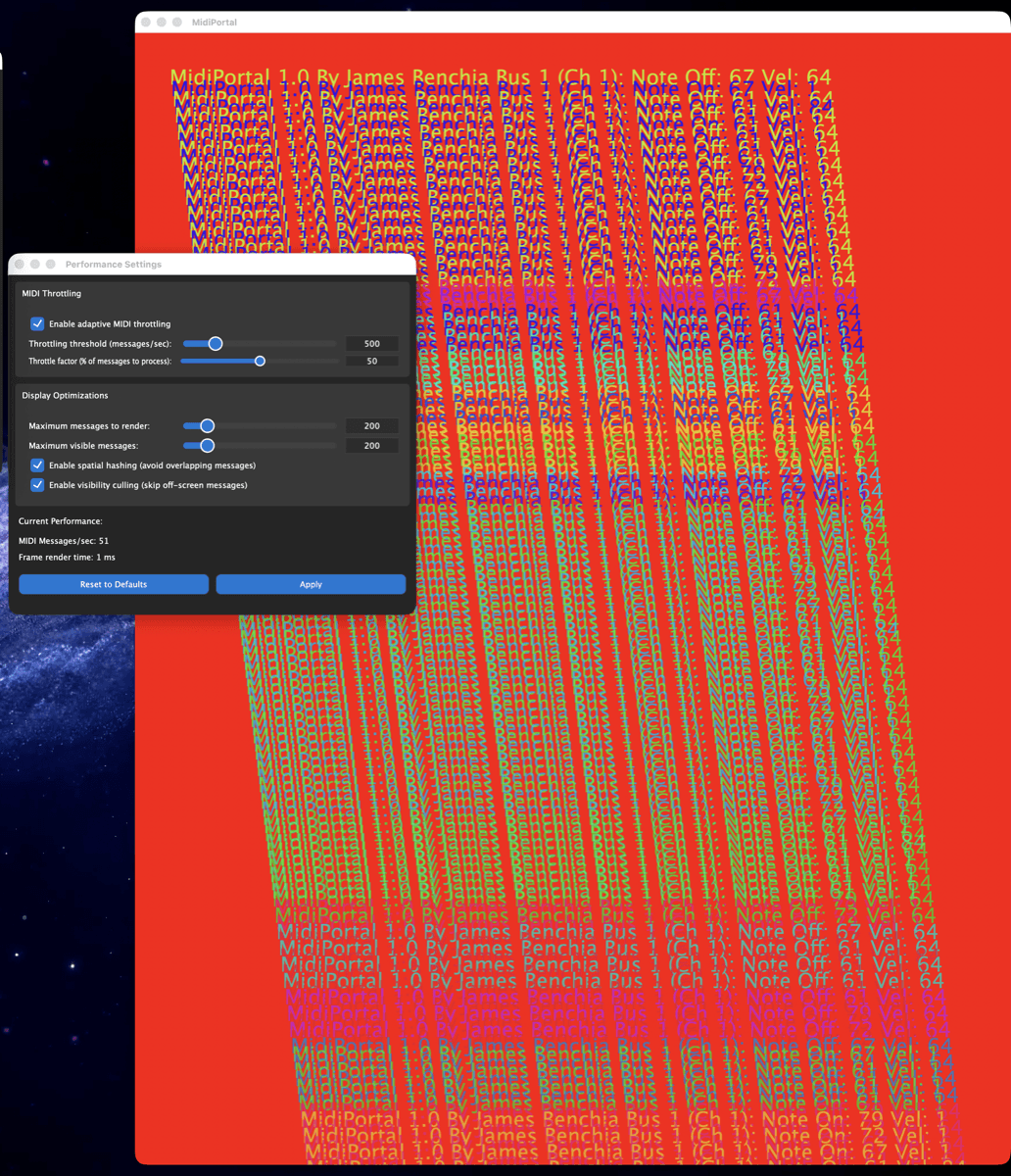
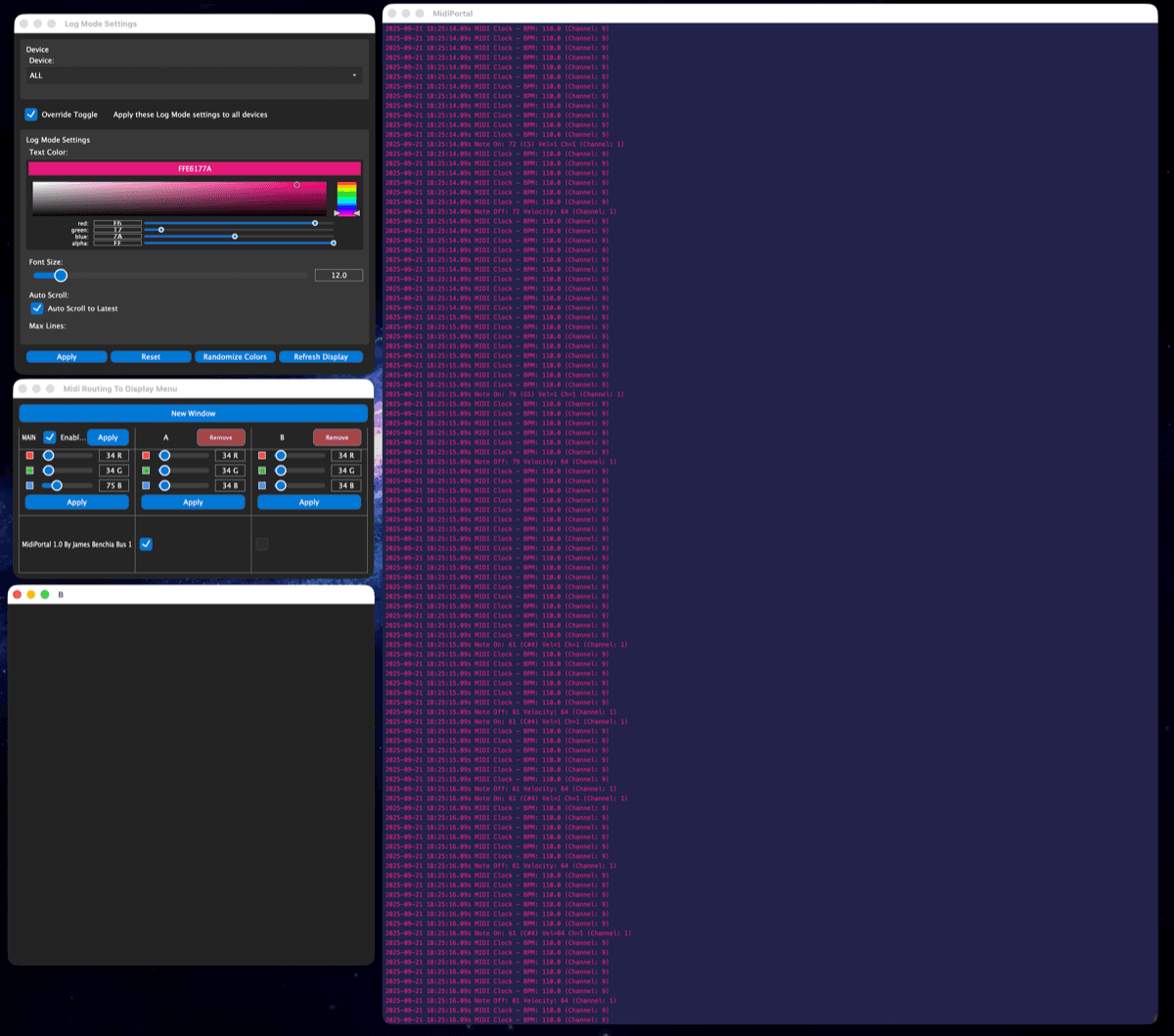
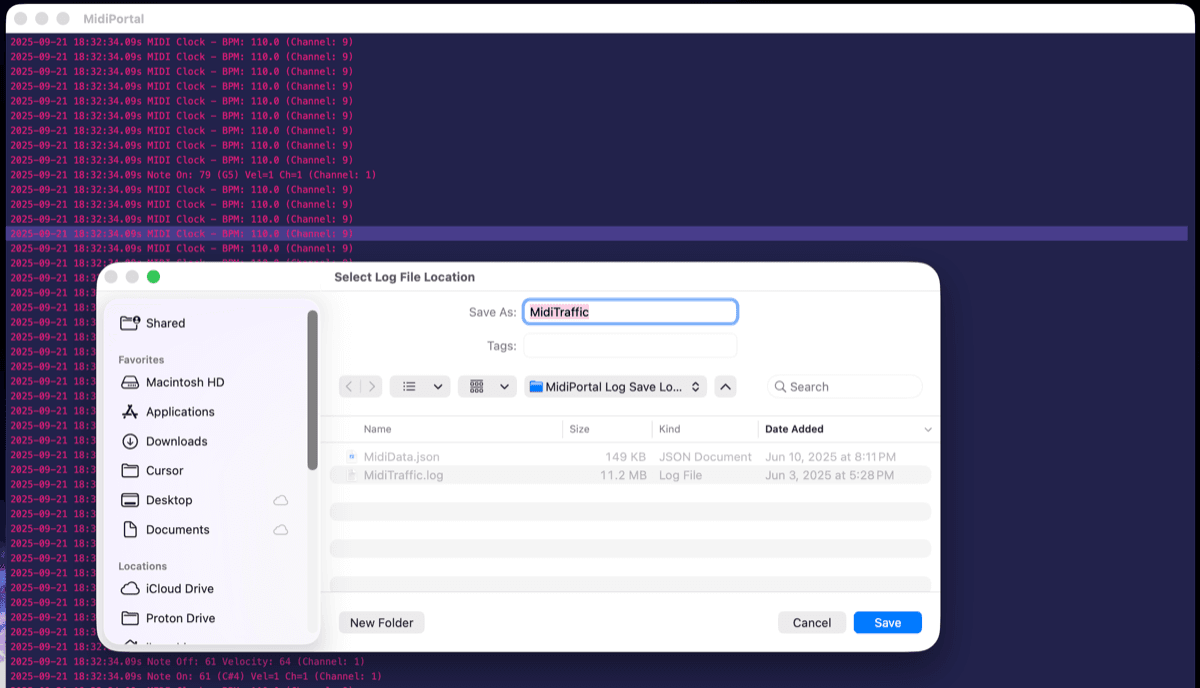
MIDI Portal is a free MIDI monitoring Machine included with iLumidi. Watch traffic flow in Cascade, examine events in Log view, open device-specific windows, and save session logs for deeper troubleshooting.
It runs inside the shared iLumidi environment, making it useful on its own and alongside other Machines as the ecosystem grows.
MIDI Portal uses iLumidi’s CPU/JUCE display path for responsive monitoring, while visual Machines such as MIDI Sketch N’ Etch and Rainbow Rain use the GPU runtime.
Downloads aren’t open yet — check back soon, or get in touch if you’d like early news.
Capabilities
- Included with iLumidi
- Real-time MIDI traffic visualization (Cascade & Log)
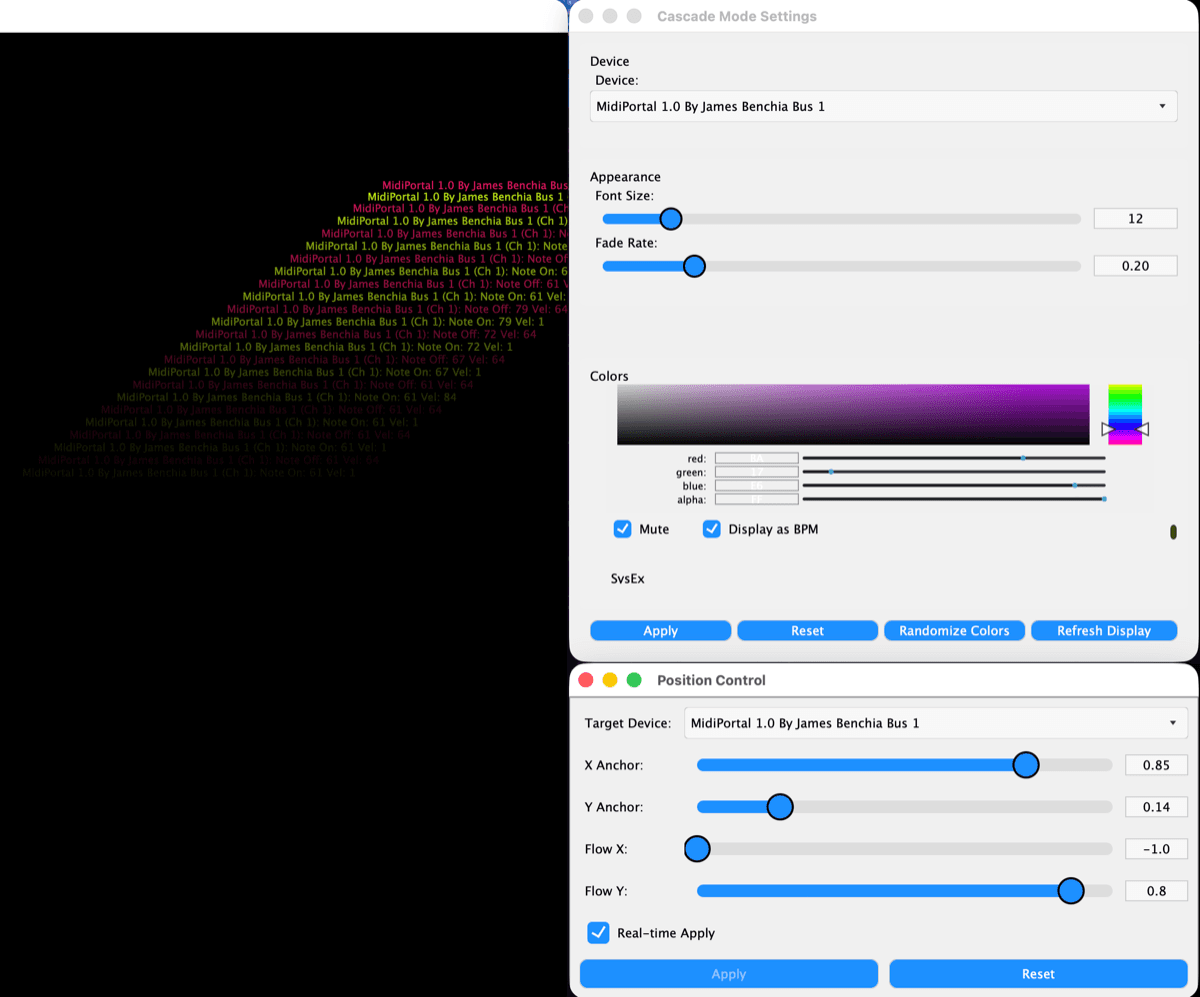
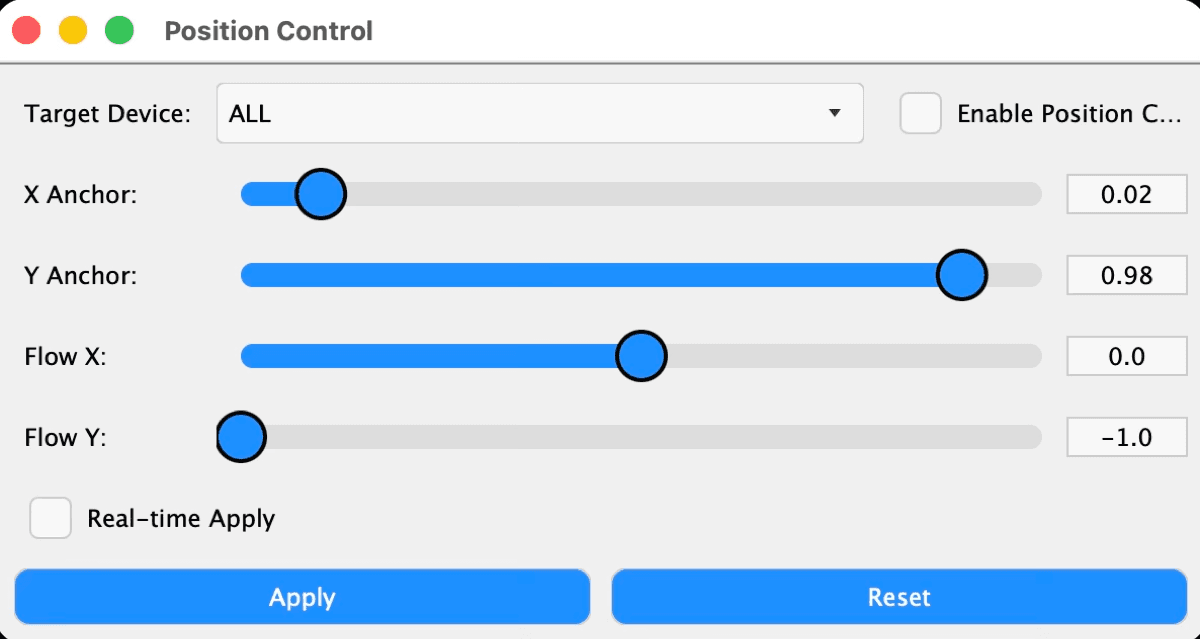
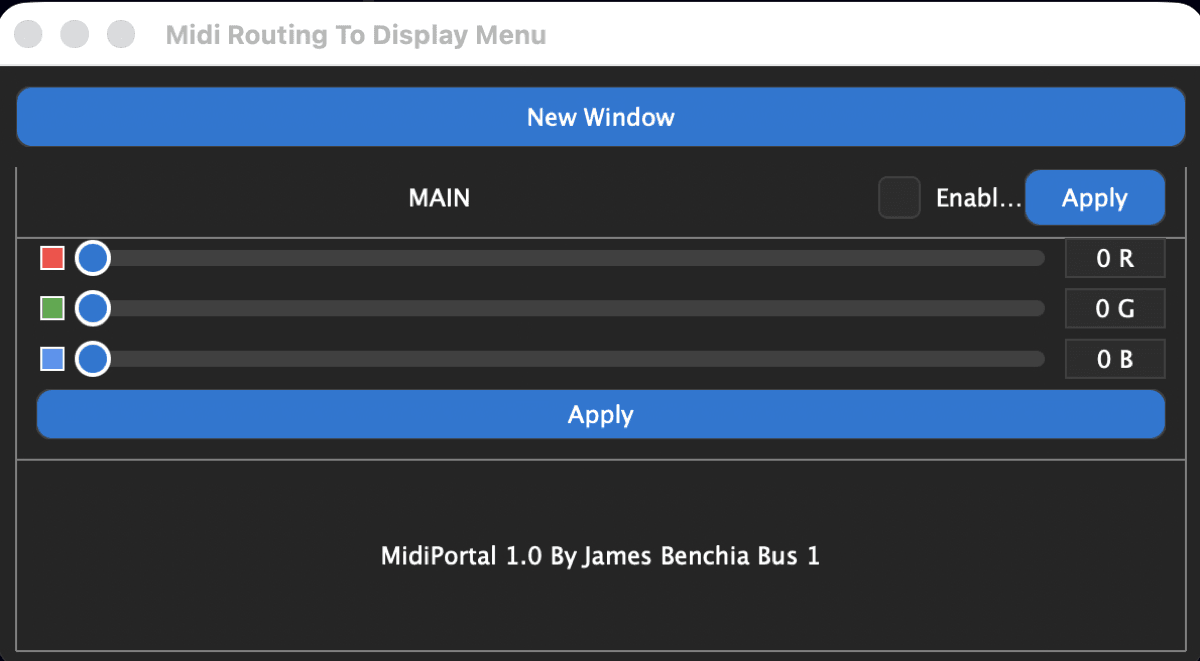
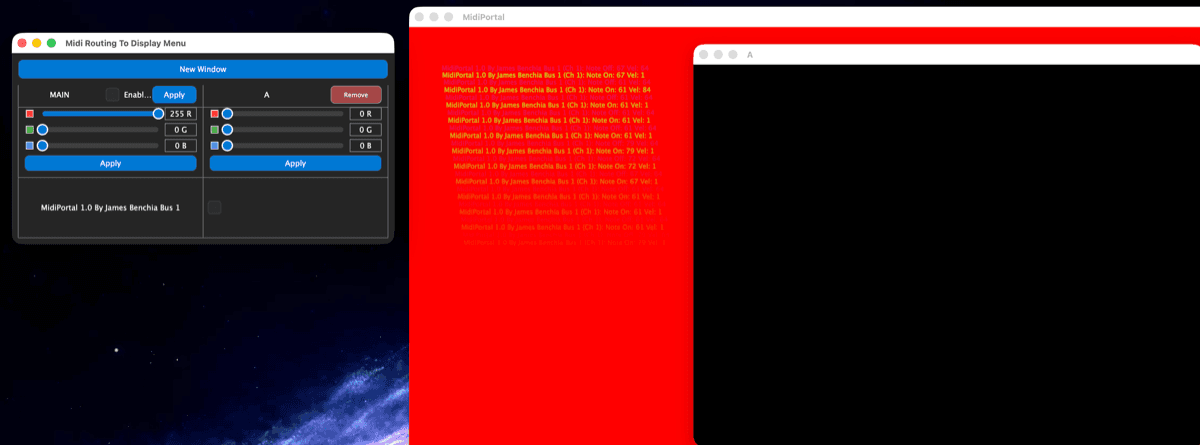
- Multi-window architecture for device-specific monitoring
- Session logging, BPM/clock analysis, diagnostics
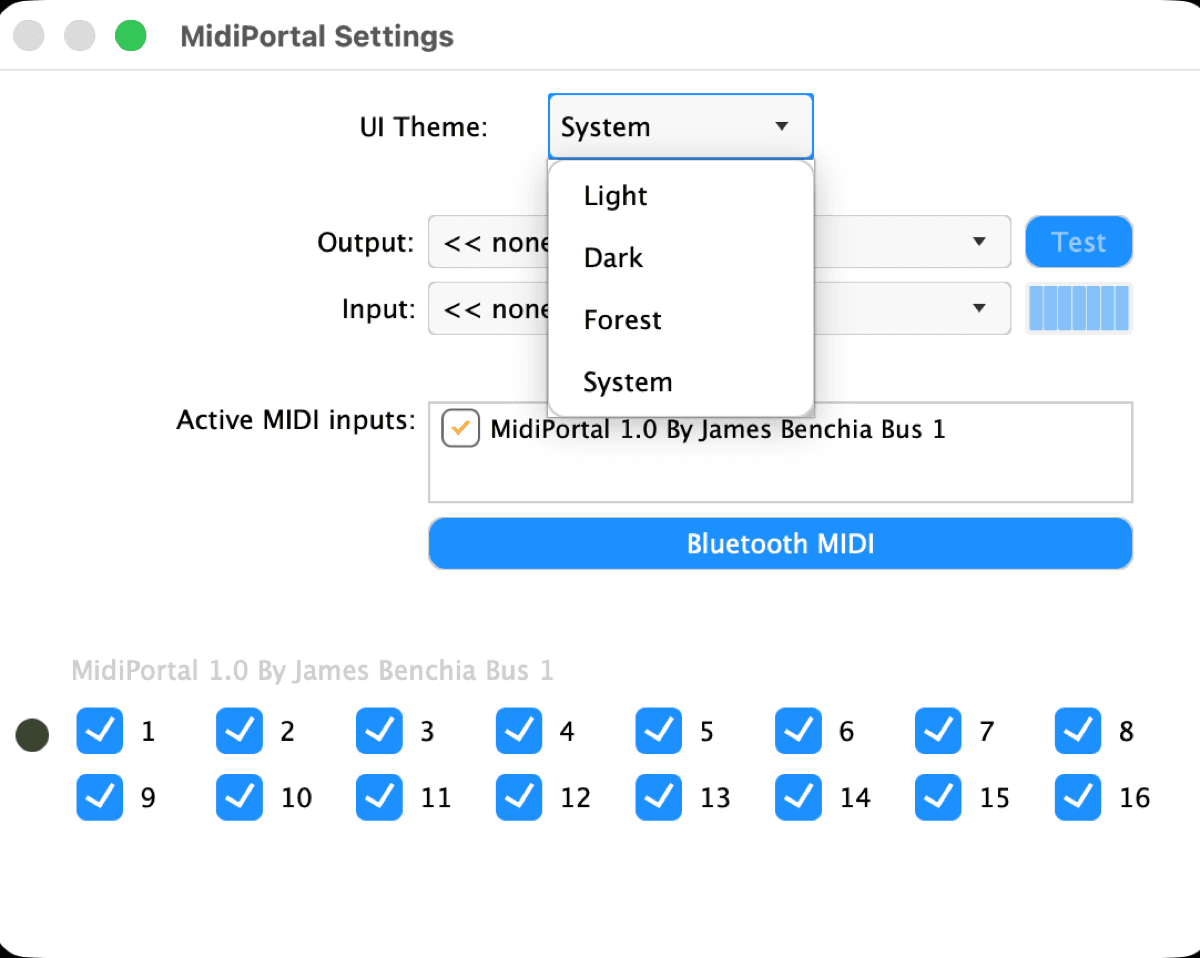
- Custom theming for monitoring views
- Runs as a Machine inside iLumidi
A free Machine included with iLumidi.